


At one point, you might have asked, ‘What is an SEO Friendly Server?’ The simple answer to this is that it doesn’t really matter. Whether you chose Apache or Nginx, the bottom line is straightforward for SEO. As long as your content is served properly to your audience, thus it is called “Server”, is not underperforming, and has no connectivity issues, you won’t have that much trouble with SEO.
Bots, spiders (on the web), and many other search engine crawlers out there are actually computers doing something similar to a golden retriever bringing you back a waterfowl. They do NOT evaluate content, they just scrape the data for Google which later gets evaluated. Bots do this continuously and cover as many grounds as possible (meaning the entire World Wide Web).
Nevertheless, we do have some suggestions when choosing a web server. Find out more by reading our recommendations below.
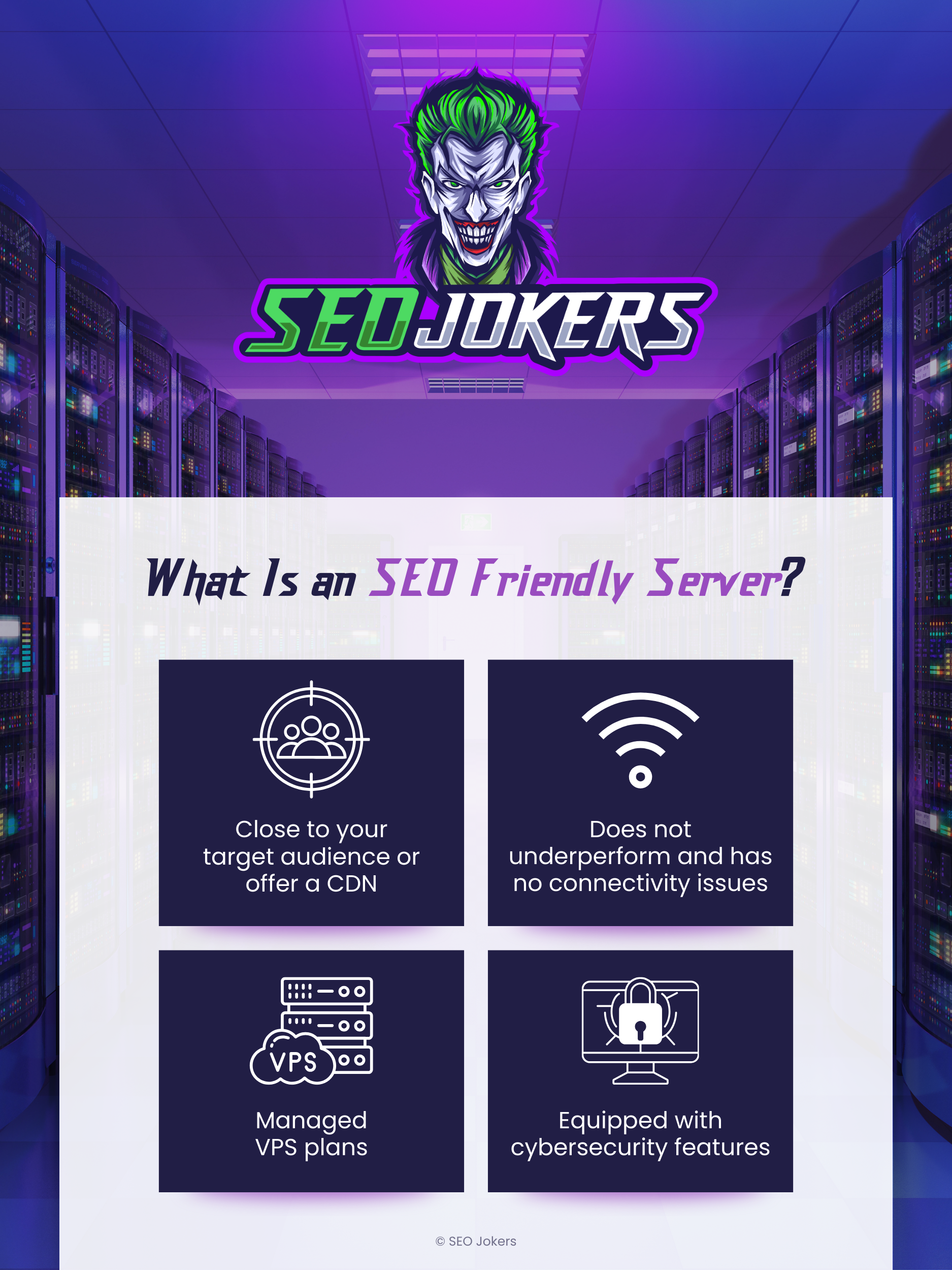
Close to Your Target Audience: Location, Location, Location Matters
In SEO, page load speed and security are essential components. Location is not just important in real estate, it’s also important for data connectivity. Your servers are not really in the cloud (at least not yet) and search engines and Google bots are in the United States mainly because Google’s headquarters are in the United States and the largest consumer base in the world is America.
In a sense, if your target consumers are mostly in the United States and your server is somewhere in Tokyo or Australia, the response time to serve content would be slower. Having your server hosted in a distant country wouldn’t make sense.
So why is choosing your web hosting server important? Well, if your server is near a Googlebot that retrieves content, the response time would be faster! But wait, there are more things to consider!
Offers a CDN: Your Network Is Also Important!
You might have heard of CloudFlare, Google CDN, or CloudFront. These companies have servers scattered around the world for a certain purpose, and that’s to make content delivery easy and secure.
CDN stands for Content Delivery Network and is kind of similar to how a VPN works. However, it’s more diverse and it doesn’t only focus on privacy, it also focuses on speed and security. CDN is not only good for search engine bots, it’s actually good for everything and everyone, real users and bots alike. Scrap that, it’s actually not good for bad bots. CDNs act like security guards at a checkpoint where malicious and suspicious individuals are blocked or challenged. This sometimes, however, blocks search engine crawlers as well. So make sure to whitelist Googlebot’s IP addresses and other search engines and tools you might use. For example, caching plugins, SEO aftermarket tools, and even ad bots such as Google ad bot.
There are many more reasons for choosing a good server-network combination. And we’ll break them down in this article.
But first, I want you to understand that if your website is suspected to be hacked or is hacked. Google will literally remove you from their index, you basically won’t see your site on search results even if the hack only affects a single page! Therefore taking care of the problem if it’s occurring NOW is really important! Reinstating your website on Google search after a security breach will not be immediate and they might need to manually review your site, so expect it to be slow.
Hosting Preferences: A Managed VPS Plan
Shared hosting plans are susceptible to hacking, and unfortunately, businesses try to cut corners and end up being a target. Ransomware attacks are a real thing. Pornographical photos appear on your website until you pay a ransom is something that happens too! Sometimes a hacker will keep it there indefinitely, they do this for ransom payments or for redirecting landing pages from your ads or search results to their own benefit.
Yes, that’s a thing. Ad bots can detect these malicious acts but not always, because sometimes the redirect is done after 30 seconds or upon a click or scroll in which case the bot couldn’t detect. So they might never know that your landing page is being redirected! What hackers like to do in order to avoid detection by you or ad bots is to simply redirect temporarily or redirect a specific page at a specific time, for example when YOU sleep.
A hacker on your website will remain quiet, they lay low and keep redirecting traffic from specific pages of your website. We have seen websites that existed like this for YEARS! The owners had no idea and the developer never bothered to check! How do you think all these scammy and weird “marketing” companies suddenly send you traffic from unidentified sources? They do not really buy ads, they steal from them and enjoy the profit.
For example, we had a client whose website was quite old and got hacked recently. He needed a brand new website and he never knew that the keywords he targeted for “platinum jet” were being redirected to an e-commerce listing selling a platinum jet keychain on AliExpress. Thousands of dollars of paid ads went down the drain. The hacker was dormant and quiet for years and his user even survived a migration or two before that! We simply recreated a brand new website instead of migrating old data and the issue was resolved.
I promise you, this little hacker bought a house in China for selling 4000+ keychains and god knows what else. This is why they do this. They’re leeches.
In cases where you need to choose a hosting plan, we’d suggest not cutting corners and finding a managed VPS plan, where your server is unpartitioned and separate from other neighbors that might just be hackers waiting for the perfect timing.
Equipped With Cybersecurity Features
If hackers know that you have no security measures on your website such as a NW firewall or a WAF a secure network and if your IP is exposed, they will gladly try to brute force your website. Once that happens, your hosting provider might just tell you to upgrade or be terminated if your load on the server is too much.
Ensure your server is equipped with updated cybersecurity features, and do not hesitate to ask about the software they use to combat hackers. However, we always recommend doing your own research about the software first, it’s always best to choose them yourself based on your needs.
How Hackers Select Their Targets: Attracting the Wrong Traffic
The way this works is pretty simple. There are databases on the “darkweb” or what all of the gurus like to call the internet, with information about easy to hack and vulnerabilities.
Bots and hackers scan the websites manually.
Make sure to take note, they usually look for the following:
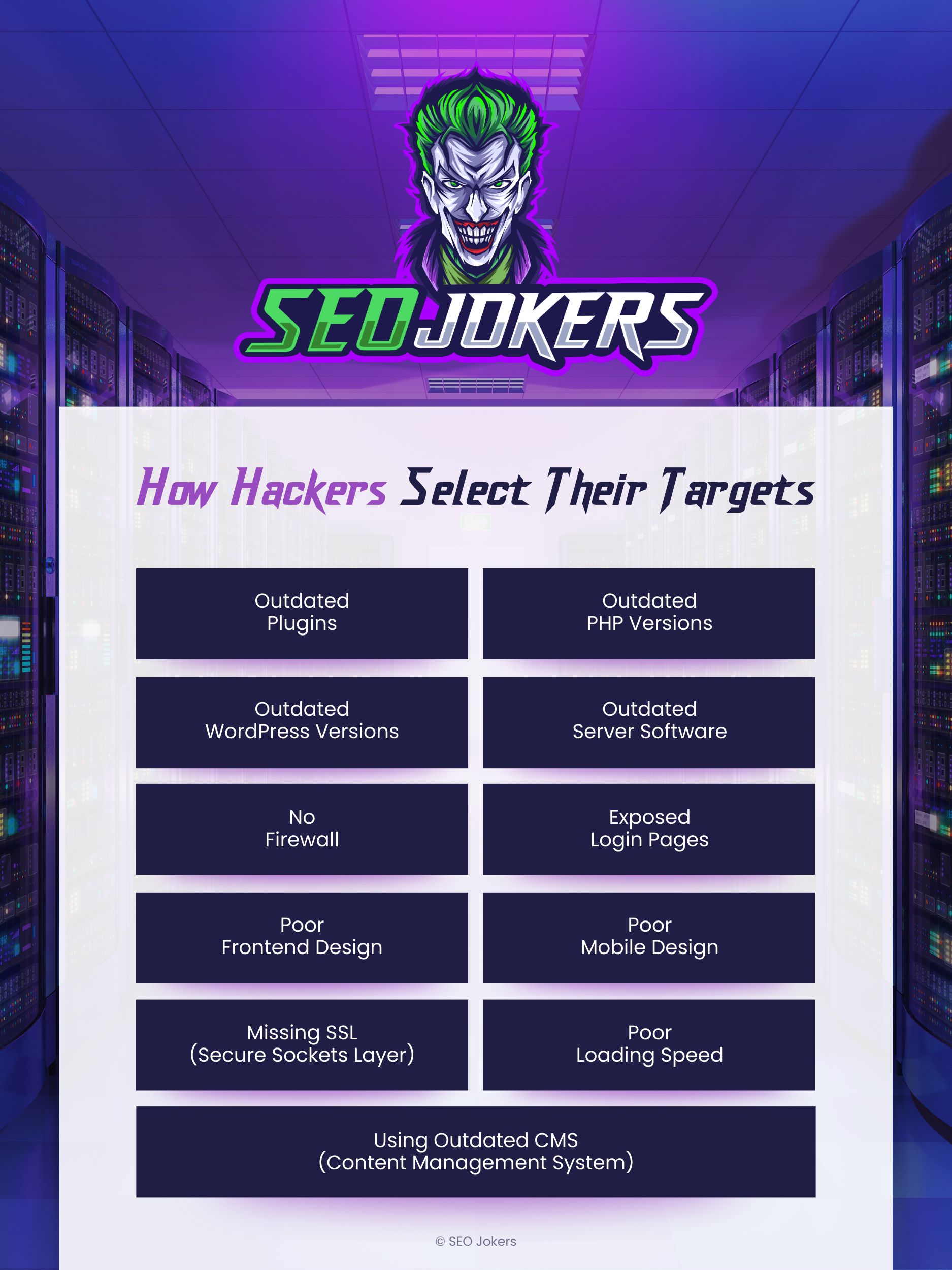
Outdated Plugins
If your WordPress does not have auto-updates enabled or some of them are failing and not handled regularly.
Outdated PHP Versions
It’s VERY common to see websites that are running older versions from 2014. Sometimes they are lucky and they have no security issues. But websites with PHP versions from very old generations are usually not seen because they are gone.
Outdated WordPress Versions
If you don’t update WordPress versions, it is also likely to be an issue. But only with outdated versions and depending on the plugin configuration. Unlike PHP versions, this is a specific problem that depends on how your website is set up. The more plugins, the more customizations, the weaker the server, and the more security problems you potentially have.
Outdated Server Software
To put it simply, a cheap hosting company that puts you on a crowded server. Most reputable companies you can find on Google are usually never failing to update their software as needed. It is against the business model but you’d be surprised!
Lack of Firewall
Hosting providers do not usually provide you with a firewall for many reasons. You might have to ask to activate it or install it. Installing firewall software is not simply plug and play, remember that the more people use your website, the more optimizations will be needed.
Exposed Login Pages
For example, client portals, registration pages, and even employee access are vulnerable pages. They must be protected in some shape or form.
Poor Frontend Design
If your website was simply built wrong or looks outdated, it directly tells any malicious hacker or bot that this is an easy one.
Poor Mobile Design
Many site owners do not even bother to check the mobile version of their website. Many would find it surprising when they realize that it is not functioning properly. This also puts a target on your back.
Missing SSL (Secure Sockets Layer)
This is the holy grail of hackers. An indication that SSL (Secure Sockets Layer) wasn’t installed on your website would show HTTP instead of HTTPS. This means that ANYONE can see traffic from or to your website. For example, the username and password used to log in would easily be intercepted by these malicious hackers.
Poor Loading Speed
This doesn’t simply mean that your internet connection is slow, if the poor loading speed is caused by server-side issues, it’s a hint to hackers that you have poor security. Only recently, around 2020, the loading speed of a page became mainstream due to Core Web Vitals.
Using Outdated CMS (Content Management System)
An outdated Content Management System is also a security risk. For example, forums that use older versions of phpBB. Common issues are due to users using the same passwords, hackers can pull those out from the forum and try it on your WordPress sites. Using something like Blogger or having links to Google+ will indicate that you are not very tech-savvy. Just having the websites look old will give a hint to any hacker.
All these factors independently could lead your website to end up on someone’s hack list. It simply means that your website is of low quality or has improper infrastructure. If you paid $10,000 for your website and still have these issues above, it means nothing, you’re even a bigger target.
If your website was hacked previously, you are doomed! You have a target on your back for years to come. Unless you make sure your website is built like a fortress. Bots will keep on blasting your website for years just because of the fact you have been hacked before. Back in the early days of the internet, domain owners would simply quit paying for their domains, and then comes the hacker to take it away.
Let’s say you were hacked in 2012 by a Chinese hacker who diverted traffic from your website for 3 days and you got rid of him by changing your hosting company or web development agency. In 2018 someone might decide to try your website again while you were migrating to a new server. Might be the same guy or someone else who found out your website was hacked in the past. A hacker who targets a specific list of domains can see DNS change if you are changing a server, then poof. They will poke your defenses automatically. However, if you are on CloudFlare, nobody knows that you changed your hosting provider. CloudFlare as a Content Delivery Network, acts as a proxy that hides your hosting IP address at all times.
Now maybe a decade past and it’s 2022, you might automatically get removed from his list. They don’t like wasting resources and time on websites that suddenly installed a firewall. It cost them money. It’s called a firewall for a reason. It’s a wall of fire HAHA!
Say Hello to Spam
A good hosting provider will be there to help you set up an email system and secure it. Just ask! You can imagine what can happen if someone will hack your email. Attempts to steal your client data from your website could potentially destroy your brand. Hackers will bribe your data with a smile on their face. They will even brag about it at dinner that they are threatening to put some pornographic materials on your website. All these things happen! Check out some scammers being trolled, caught, or spied on.
The Email Issue
Fake emails using your domain name? This is a real thing too and it’s much more common than you think. The only reason these spammers and scammers can use your domain to send emails to impersonate you is because you did not set up an SPF record, you should probably also implement DKIM key and set up a DMARC policy. This is something a good hosting provider will help you with so that you won’t need to worry too much about geeky stuff.
If your website is hacked and/or your email address is used to send fake emails impersonating you, you are in deep trouble. This is because someone could email your clients or simply spam others. Imagine someone has access to your website and your website is allowed to send emails as your domain. yourname@mybusiness.com sends an email to your new accountant “Urgent” – “Please wire $1,000 to my attorney ASAP. Don’t even ask. Wire information: …..”
Yes, we have seen that too and it happens all the time, too much to count. If you are in this situation or wish to prevent that stuff from happening feel free to reach out. If we can’t help because your setup is too complicated, we will refer you to someone who can.
Another thing that not a lot of people know is that your domain name is behind an IP address. If that IP address is sending emails (AKA your website) are bombarding email campaigns, you will be reported as spam more often. Your IP = Your Domain is regarded as SPAM. That can affect your SEO. If you use a proper network, you could avoid at least your IP or domain name being abused.
This is specifically why a lot of marketing companies use subdomains such as noreply@mail.company.com which uses a different IP address than your domain. Subdomains can be separately configured as an additional protection.
One great way to monitor or resolve issues with your website reputation is by using a software, imunify360 gets this done! Your hosting provider or web developer should keep an eye on this to make sure that everything is up to speed.
Your workflow should be seamless, there is no need to spend time blocking IPs and fiddling with firewall settings. Leave that to the nerds.
WARNING!
Be careful when choosing a hosting provider. Some hosting companies might be big and old and might be very good at what they do, but we have seen very lazy and very unprofessional things out there. For example, companies that offer very cheap hosting solutions mean that hackers will use these platforms as well. DremHost subdo0mains consistently attacked our websites in the past, and I presume these are shared hosting plans bought by hackers. But you might be thinking, why? Well, it’s not Dreamhost themselves, just hackers. How? The same reason people are able to rent and live in storage units. Everybody knows about them but nobody cares. They also got hit pretty badly and have been breached.
Also, if someone in your hosting company is behaving as if they are doing drugs, stay away from them. Or you will join everyone on Reddit.
A lot of hosting providers have deals with security plugins. I would recommend against using those solutions and avoid these hosting providers if they keep offering you these solutions. It feels like there’s a kickback. You’re better off choosing a security plan based on your own research. Unless you are not a developer. I would recommend checking out WordFence, WP Cerber, and All In One Security. There are a few more but do your research to see what fits best for you.
Protecting Your Website Password
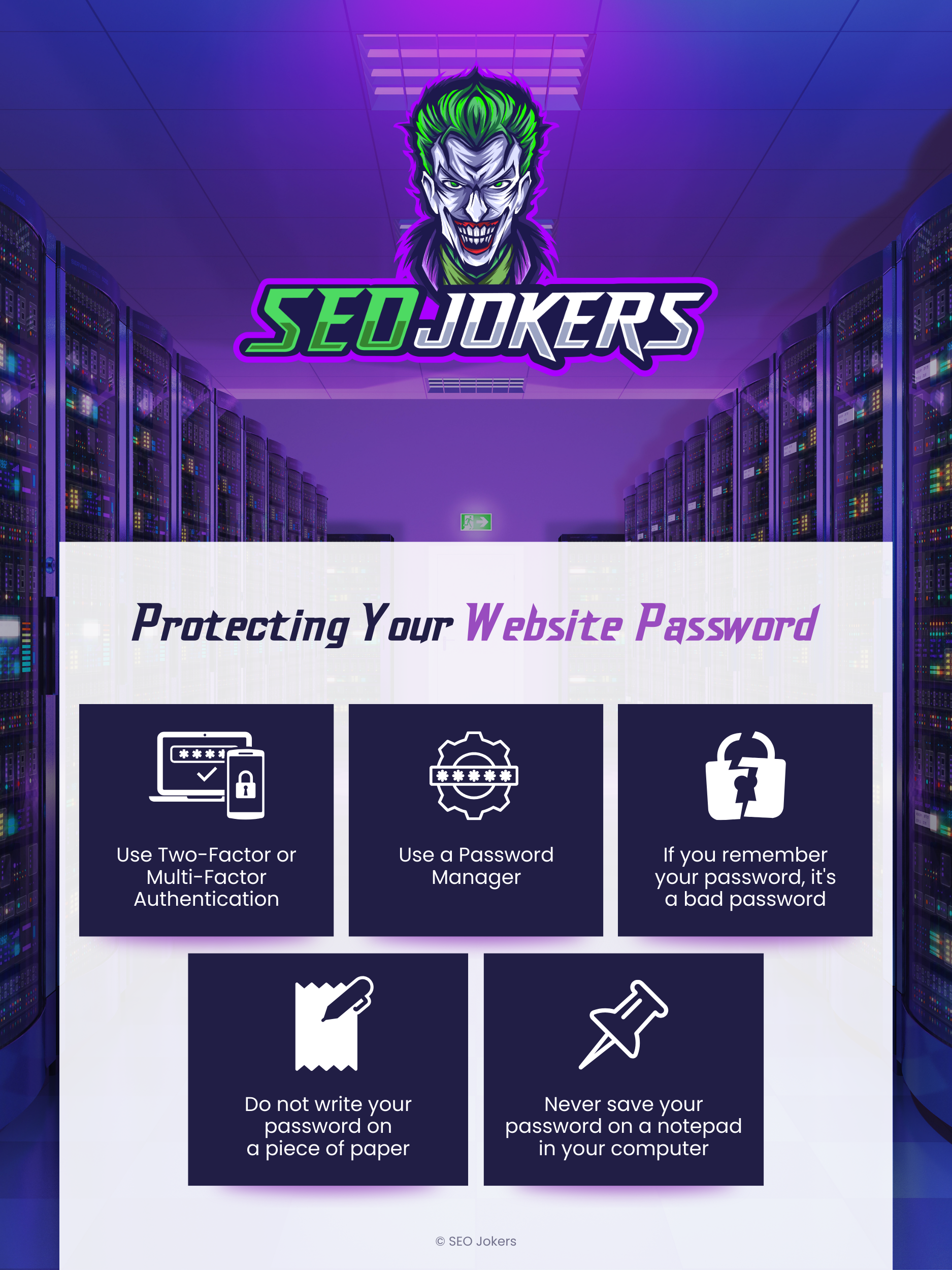
Lastly, almost everything mentioned in this guide will be null and void if you fail to protect your password. Making sure that your password is protected should be your top priority. If you remember the password to access the admin panel of your website, then it is not a good password in the first place. Here at SEO Jokers, we often say, “If you remember your password, it’s a bad password.”
There are tools to secure your password, such as Google Chrome password manager, there are other similar services out there, but make sure you do your research before trying them out.
Also, securing your website using two-factor authentication with biometrics functionality would be highly suggested.
Do not write your passwords down on a piece of paper, not even on a notepad saved on your computer. Your best bet is to use a password manager with two or multi-factor authentication.